HMMs
Overview
The Nuvs workflow uses profile hidden Markov models (HMMs) to find possible new viruses. The HMM profiles and their annotations let Nuvs identify and annotate sequences from your sample that can be part of a new viral genome.
You must install the HMM profiles before you can run Nuvs.
Install the official HMMs
- Click HMMs in the main navigation bar.
- Click Install.
The page shows Installing and the current step while Virtool downloads and installs the profiles. This can take some time. When the installation is complete, the page shows the list of HMMs.
You must have the modify_hmm permission to install
HMMs. If you don’t have it, ask an administrator to install them.
Browse HMMs
Click HMMs in the main navigation bar to see the installed HMMs. Each item shows the cluster number, the most common name, and up to three taxonomic families.
To find an HMM, type a name in the search bar (for example, replicase).
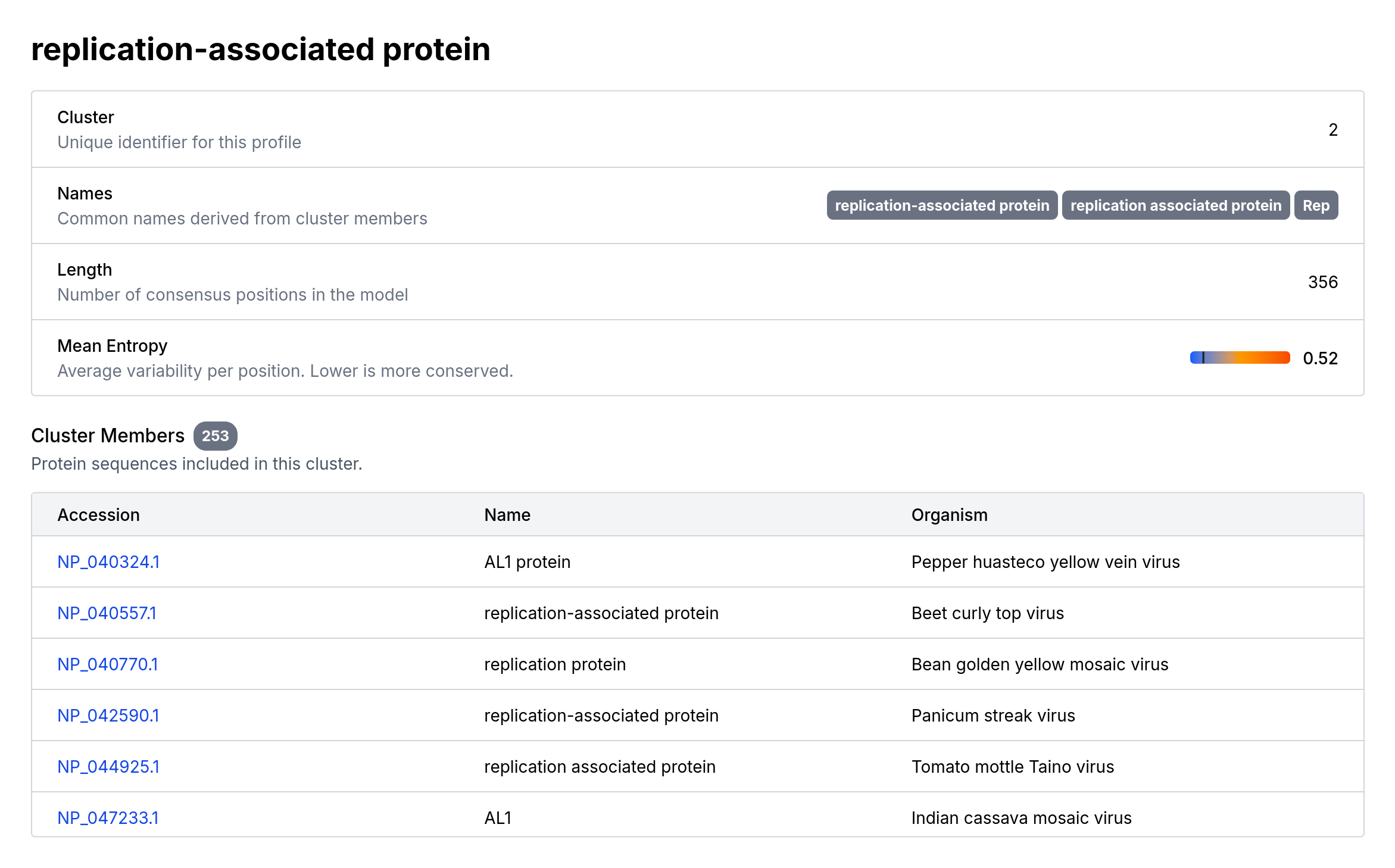
Click an HMM to see its details:
| Field | Description |
|---|---|
| Cluster | The unique number of the profile. |
| Names | Common names from the cluster members. |
| Length | The number of consensus positions in the model. |
| Mean Entropy | The mean variability of each position. A lower value shows a more conserved profile. |
| Cluster Members | The protein sequences in the cluster. Each one shows its accession, name, and organism. Click an accession to open it at NCBI. |
| Taxonomy | The families and genera of the cluster member organisms, with a count for each. |
You can also open an HMM from a Nuvs result. Click the HMM name above an open reading frame (ORF).